
Just write it down. हिसाब हम कर लेंगे।
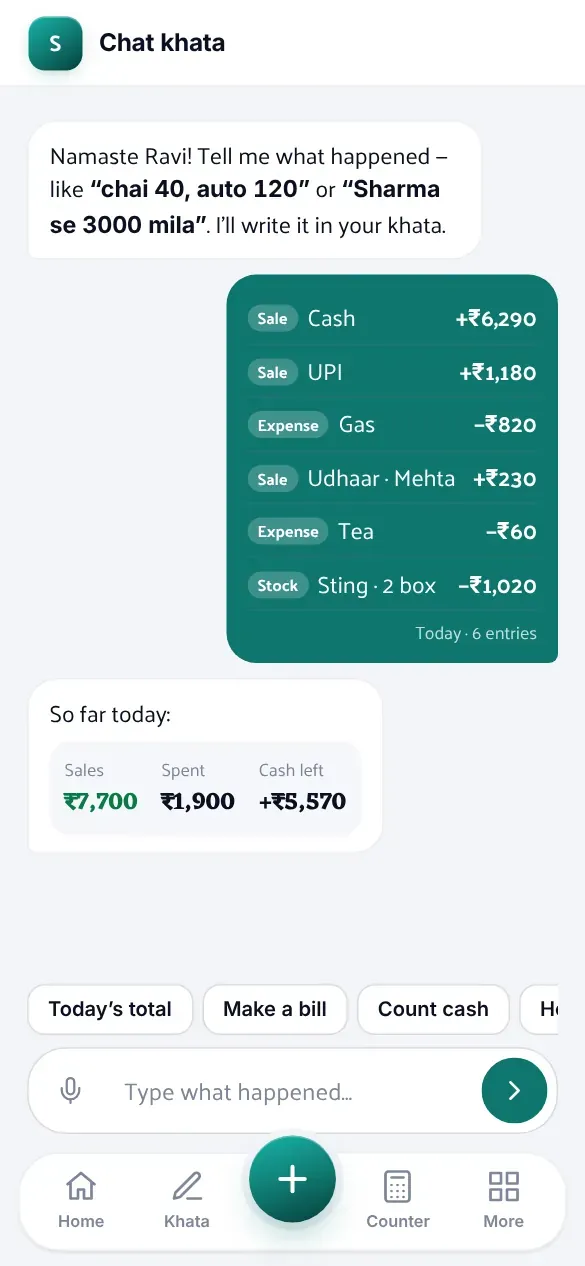
Type what happened in your shop, or say it. DailyKhata sorts it, adds it up and keeps your khata. It works without internet.
Go on, write something. Or try
Nothing yet
One day, start to finish.
Watch the strip. Every step adds a line.
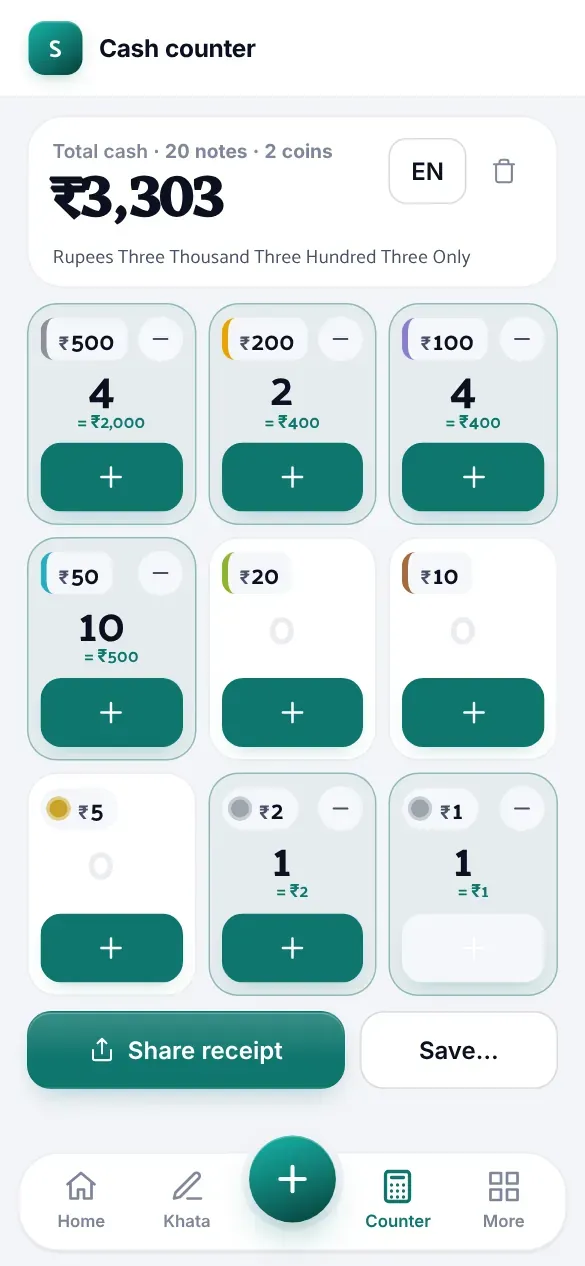
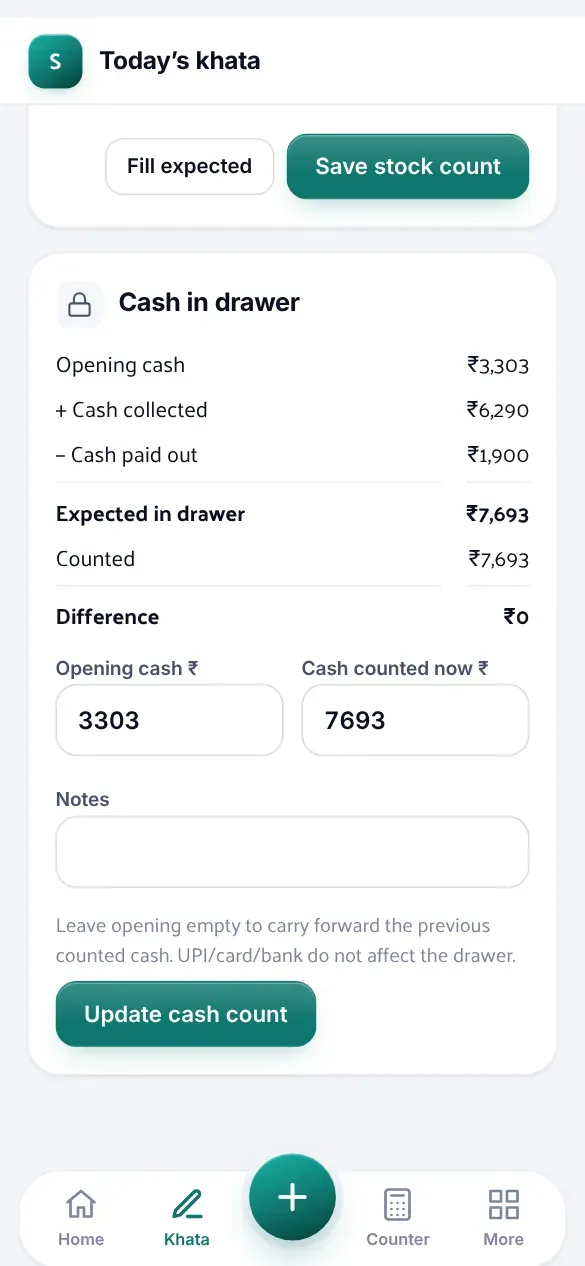
Count the drawer.
Tap the notes. The total adds itself, and the day starts there.
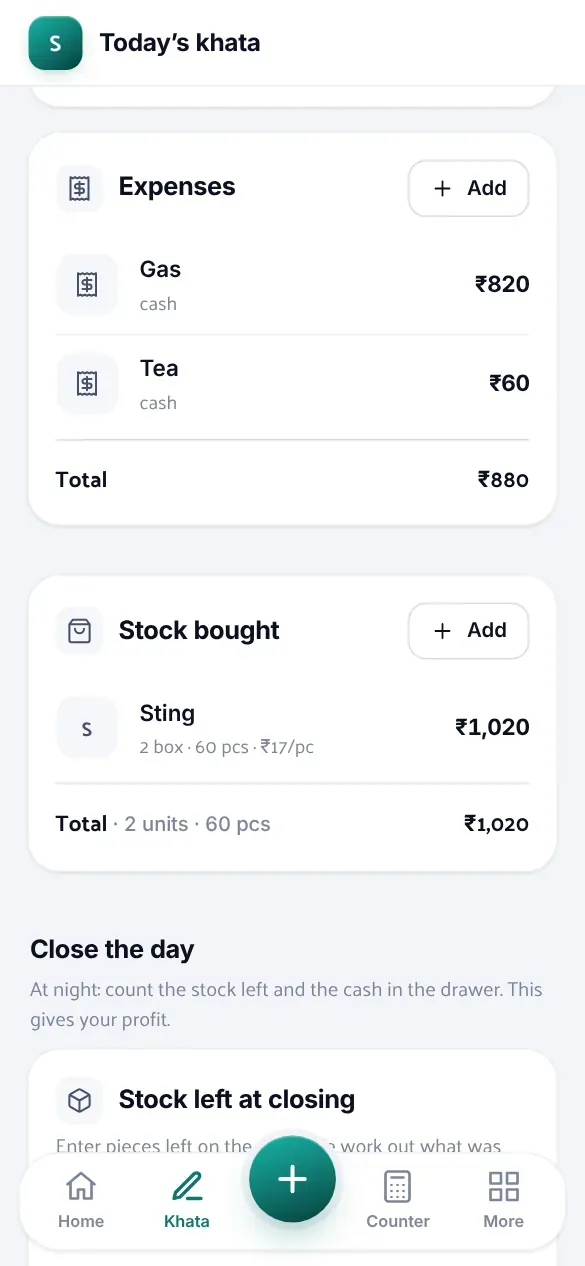
Stock comes in.
Say it, or take a photo of the bill. It's in the book before the delivery boy leaves.
Little things add up.
Gas, tea, auto. Just write them down, one line each or all together.
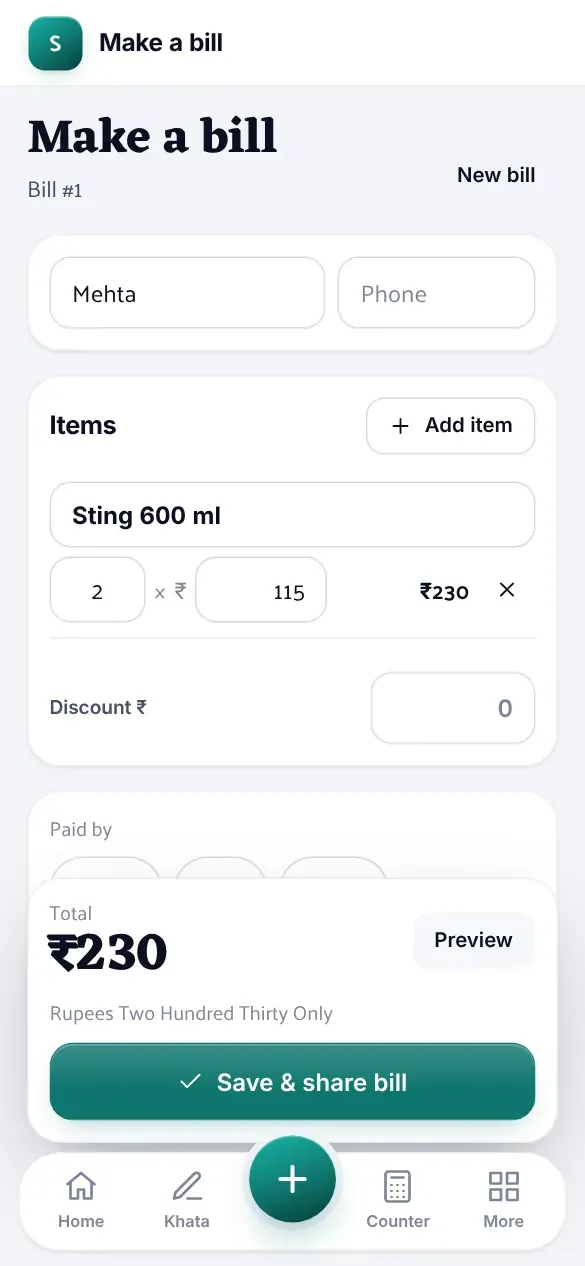
“Kal de dunga.”
Make the bill, send it on WhatsApp. It waits on their name until they pay.
Close the day.
Count the drawer once more. If it's short, you'll know by how much.
चाय ४०
becomes Tea · ₹40
Write how you write.
Hindi, English, or both in one line. 1,500 or 1.5k or 1500/- — all fine.
Also in there: a login for your helper that can't see your profit, more than one shop, Excel for your CA, a photo of a supplier's bill, and a backup every night.
Questions
Do I have to type in English?
No. Write the way you write in your register — “chai 40”, “bijli bill 1450”, “चाय ४०”, “Verma ne 500 diye”.
What if the internet goes?
Keep working. Everything is saved on your phone first and goes up by itself when the network is back.
Can my helper see my profit?
Only if you let them. Everyone gets their own login and you choose what they can see and do.
Is it an app?
It opens in your browser, on any phone or computer. Tap “Add to Home screen” and it sits there like an app, with your shop's logo.
Who can see my numbers?
Only the people you add to your shop. Each shop is kept separate, and a copy is saved every night.
दुकान बंद। हिसाब पूरा।
Shop's shut. Books are done.